Create Projects and Tasks To Start Tracking Time
Easy Project Creation for Efficient Time management system
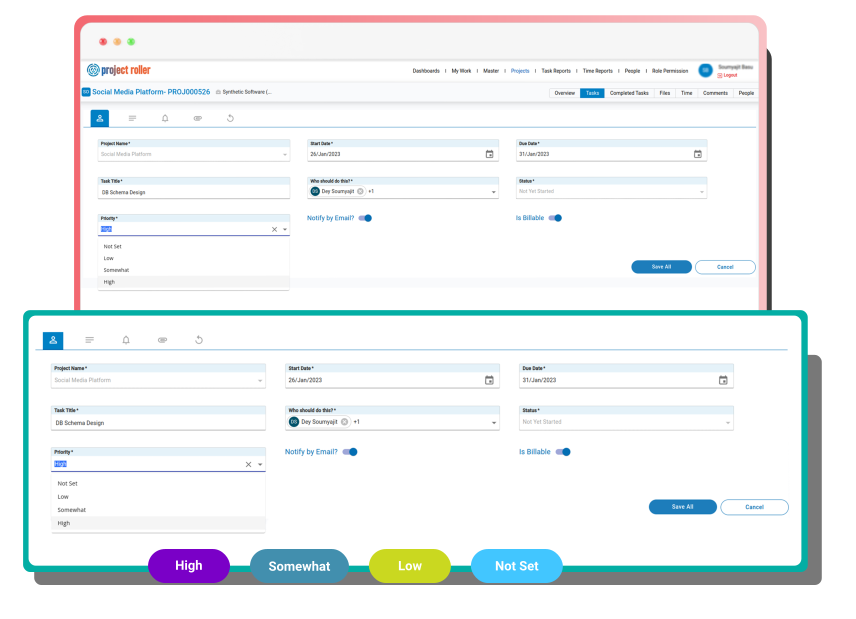
Create Multiple Projects and assign team members to different tasks with specific due dates and task priority levels.
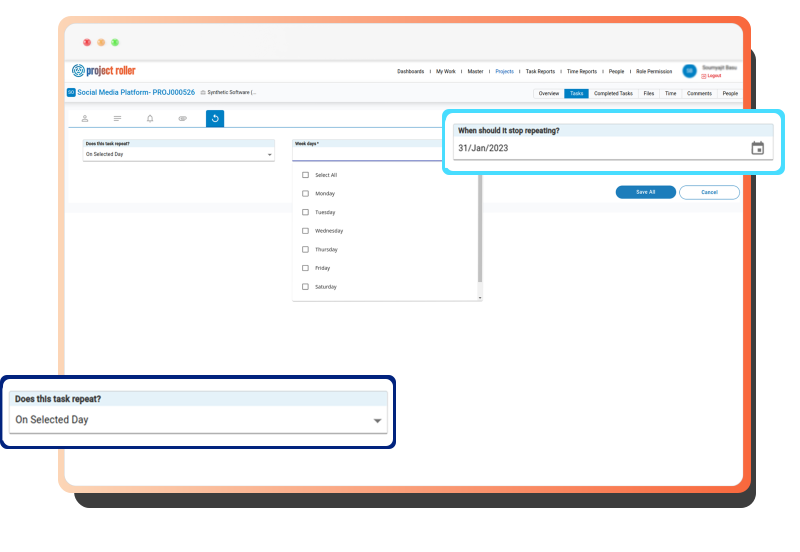
Project Roller is a task and time management application that allows you to keep a track of all your tasks and time spent on each one of them. It enables you to manage the tasks effectively by setting key milestones, task bifurcation and recurring tasks.


Create Multiple Projects and assign team members to different tasks with specific due dates and task priority levels.
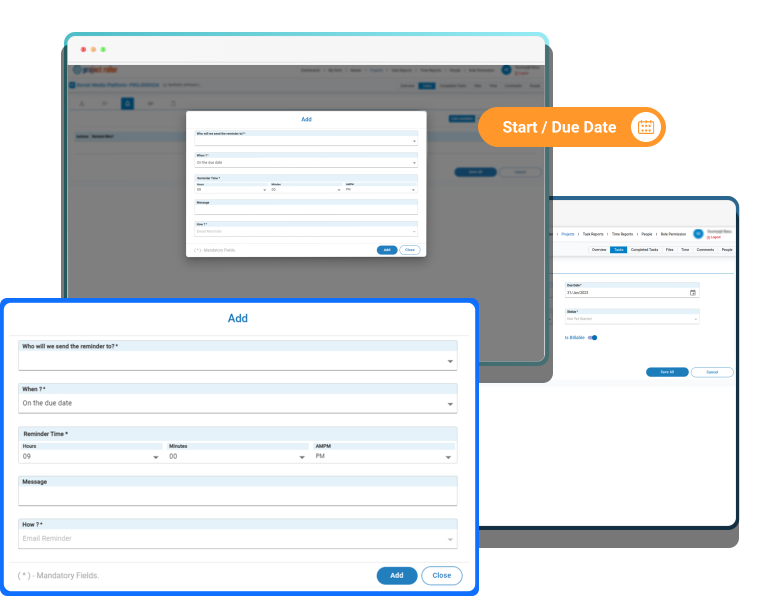

Set Reminders for tasks as the due dates approach and ensure no tasks are missed out.

Keep a track of all the tasks and projects at one place with separate views to monitor and track “Self” and “Project Manager” views.

Sorts tasks in a way such that the team does not get confused between the tasks that require immediate attention and the ones which have been completed already.


View late tasks, today’s tasks, upcoming tasks and recurring tasks to exactly know what’s important to pick at any given time
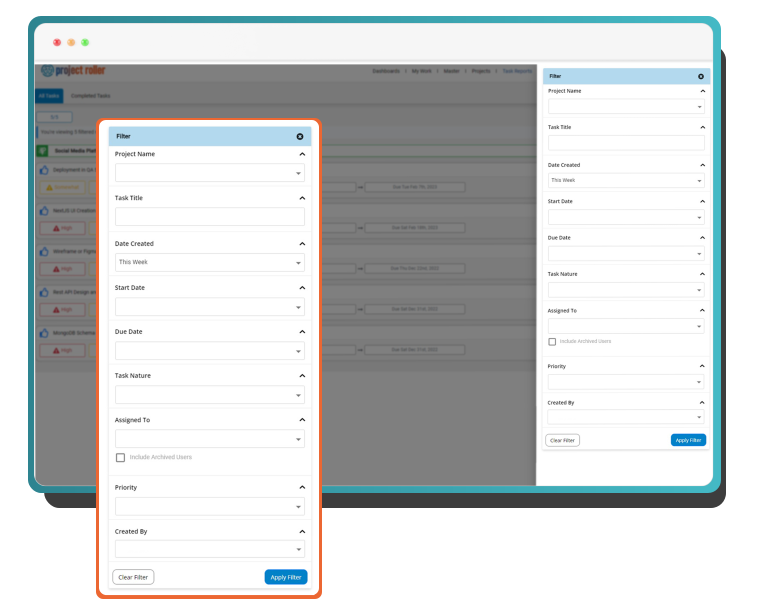
Easily filter tasks and time reports based on different project variables to understand and analyze the reports with complete flexibility
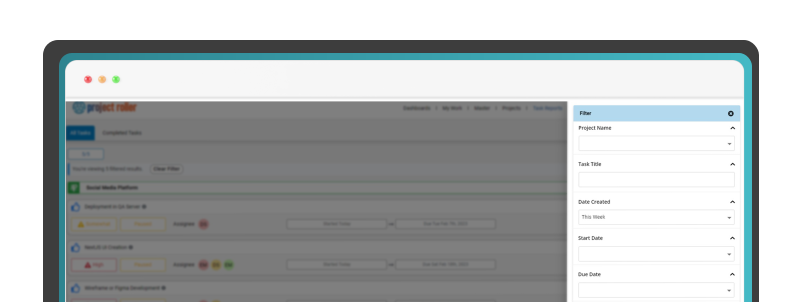
Team members and project managers can add comments to tasks and projects and discuss task progress and any bottlenecks as they occur.
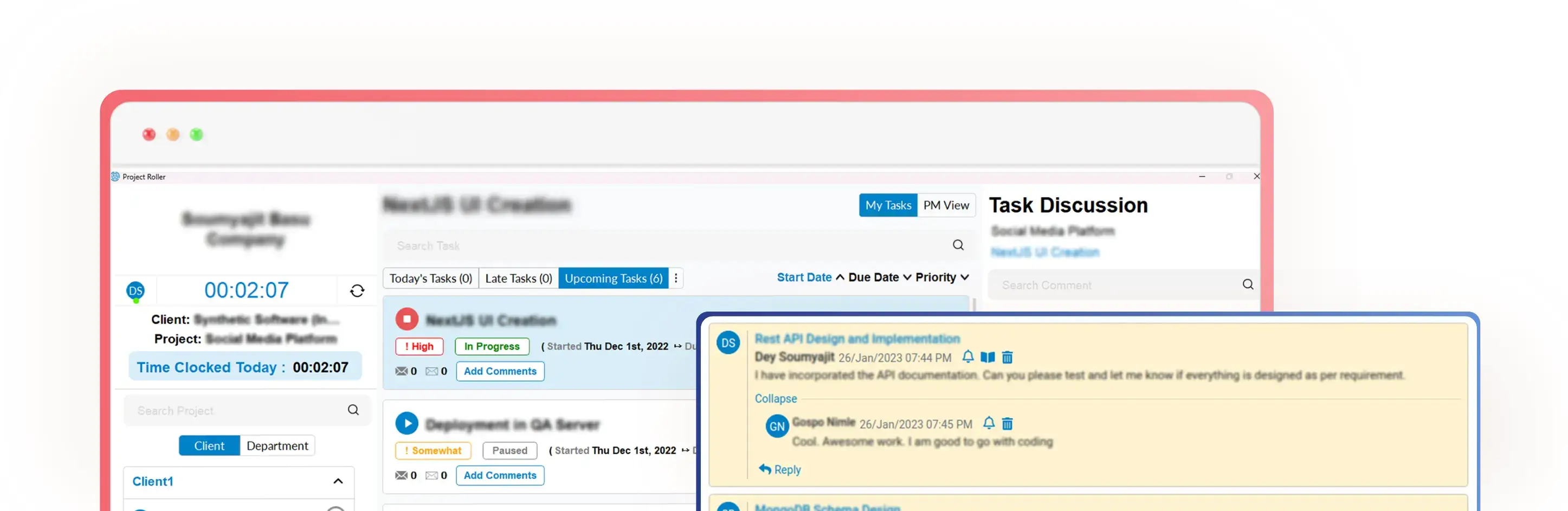
Separate dashboards for Self View and project manager’s View to monitor project progress and task activities. Project managers can also assign tasks, set priorities, timelines, reminders and repeating schedule of the tasks
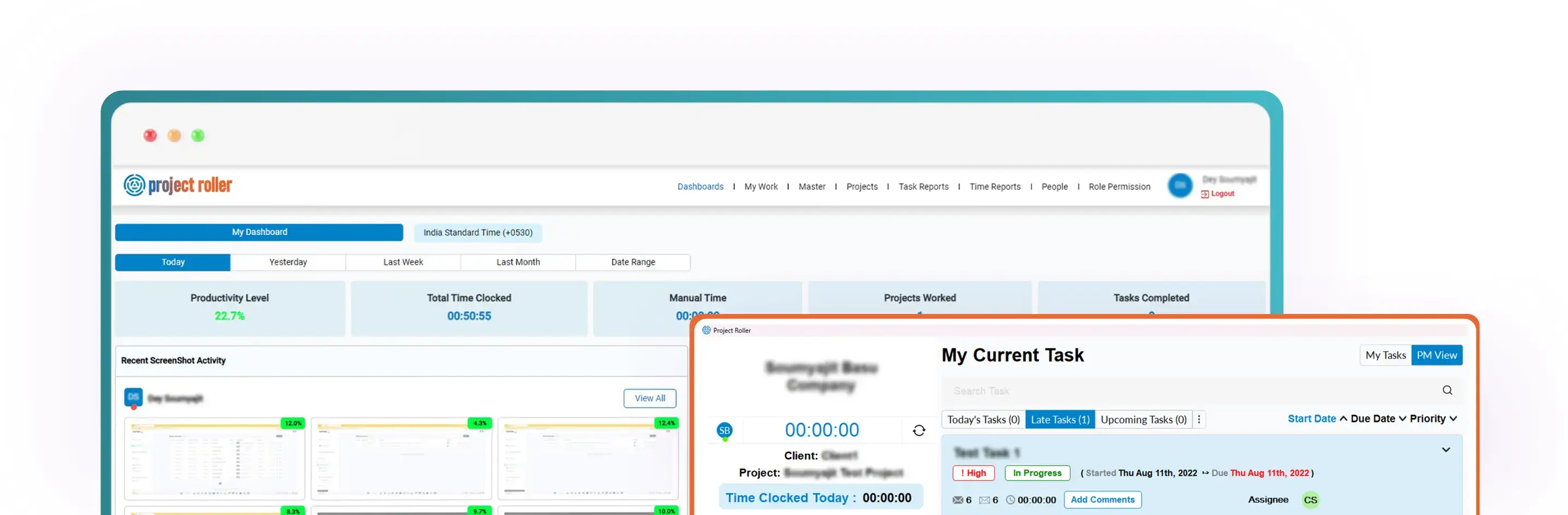
Keeps a record of all activities in real time
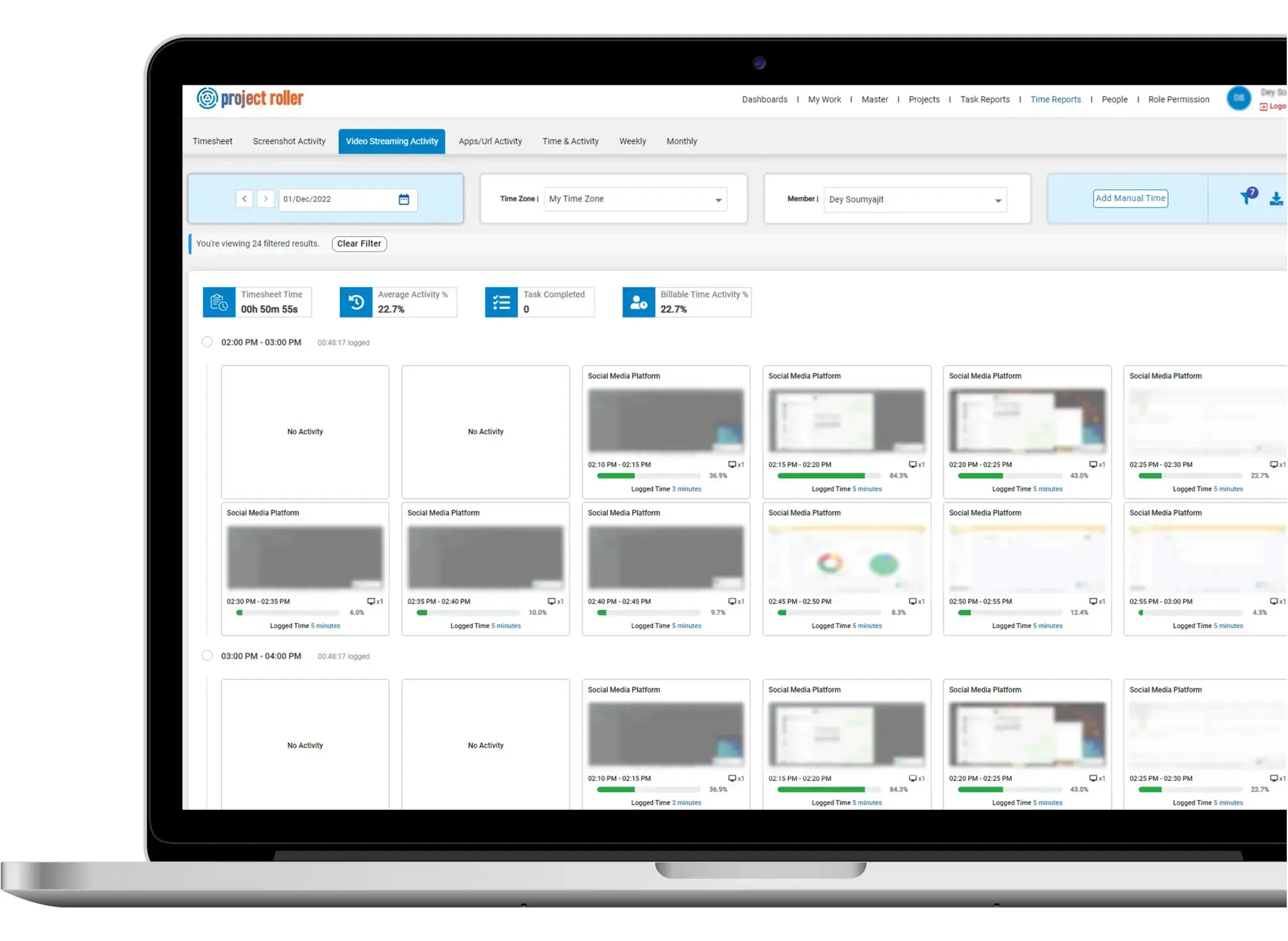

Tracks daily, weekly and monthly timesheets, screenshot activity, video streaming activity, apps and URLs visited

Users can also view the Active, Archived and Completed tasks from this Dashboard. Edit project details and manage rights of team members.

One single view of all tasks for project managers. PM can view progress of all tasks at one place.

Daily, weekly and monthly time reports of all members of the team – Quick filters to help analyze the reported time.